

Managed Deep Agents is in public beta on LangSmith Cloud and Bring Your Own Cloud (BYOC). Use Managed Deep Agents CLI and SDK v0.10 or later for BYOC.
This Python example requires
managed-deepagents>=0.10.4, the matching mda CLI, and langsmith>=0.10.15. Self-hosted LangSmith must be v0.16 or later.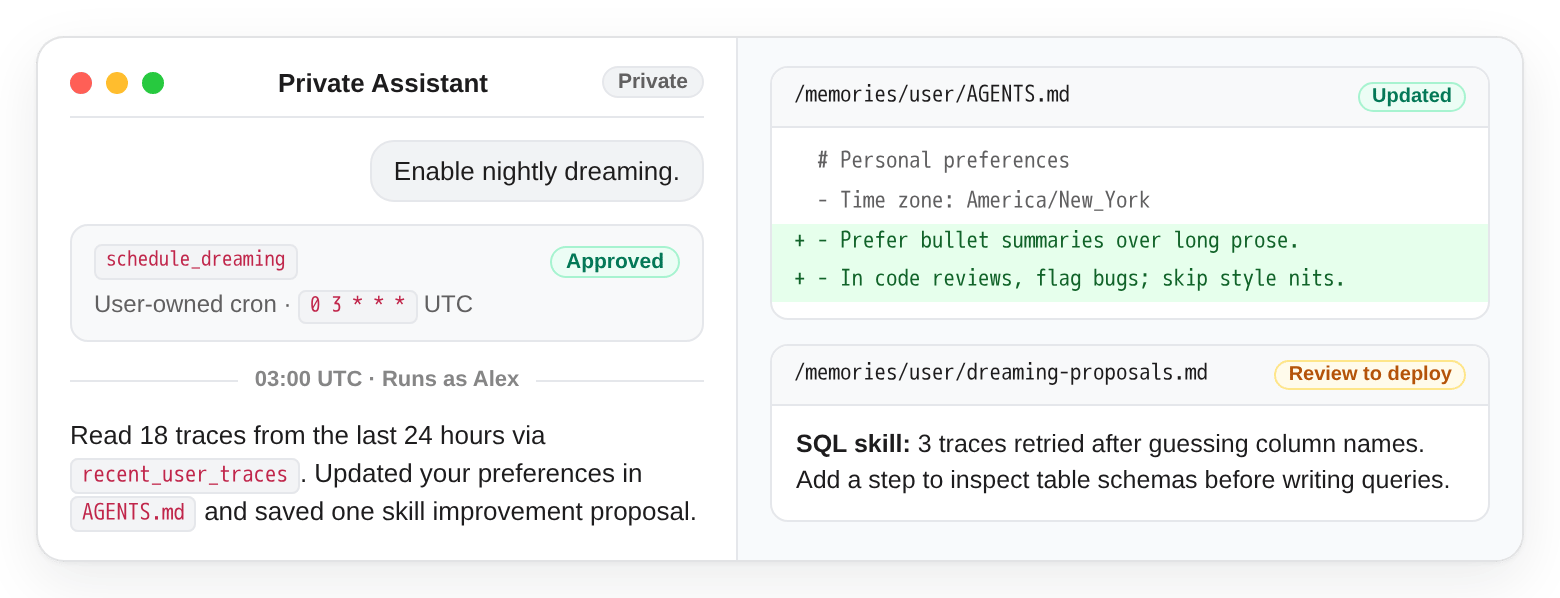
Before you start
- Configure identity so each person signs in as themselves. User memory and per-user trace lookups require a signed-in person.
- Route each person’s traces to their own LangSmith tracing project.
- Add
DREAM_TRACE_PROJECTSto.envwrapped in single quotes somda deploypreserves the JSON double quotes. Map MDA principal IDs to project IDs, and ensure the deployment’s LangSmith credentials have read access to those projects:
.env
Add personal memory
Declare user memory at the project root:memory.py
memory on channel runs keeps MDA’s default access rules, which mount user memory in Slack direct messages and keep it off in shared channels. Requiring an interrupt on schedule_dreaming prompts for approval before creating a schedule:
agent.py
Add the tools
recent_user_traces reads up to 25 of the current person’s traces from the last day. schedule_dreaming creates a nightly schedule that runs as that person.
Install the model provider package (factory definitions do not auto-install provider packages):
tools/dreaming.py
Start dreaming
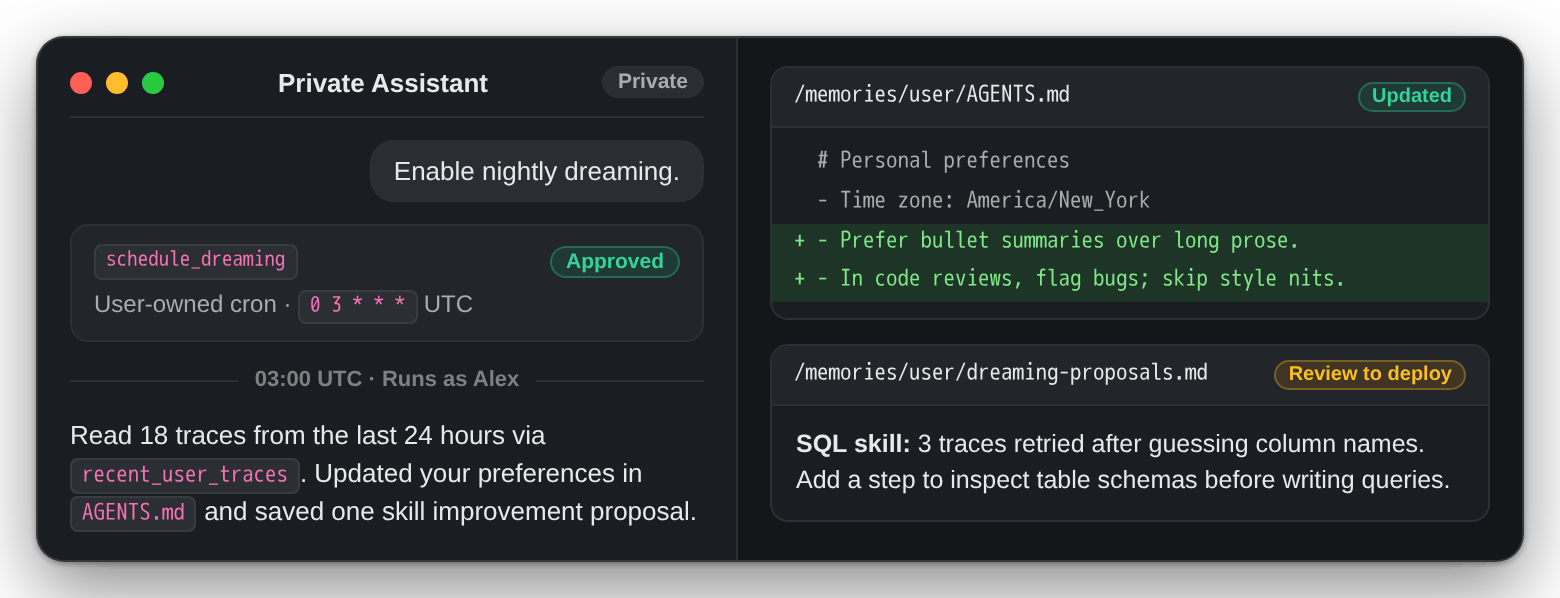
Deploy the agent, sign in, and ask it to schedule nightly dreaming from a direct conversation outside channels (such as LangSmith Studio or your own signed-in app, not Slack DMs). Approve theschedule_dreaming call. Each night at 03:00 UTC, the agent reviews your traces and updates /memories/user/AGENTS.md.
Deployed instructions and skills are read-only at runtime. To apply an idea from /memories/user/dreaming-proposals.md, edit instructions.md or the skill in your project and redeploy. To stop dreaming, delete the schedule.
Extend the pattern
- Review a week of traces instead of a day by changing the cron and the query window.
- Test proposed instruction changes with evals before deploying.
- Add a skill defining what is worth remembering so reviews stay consistent.
See also
- Schedules: manage recurring user-owned runs.
- Memory: configure durable memory and access policies.
- Export traces: query and paginate trace data.
Connect these docs to your agent of choice via MCP for real-time answers.