

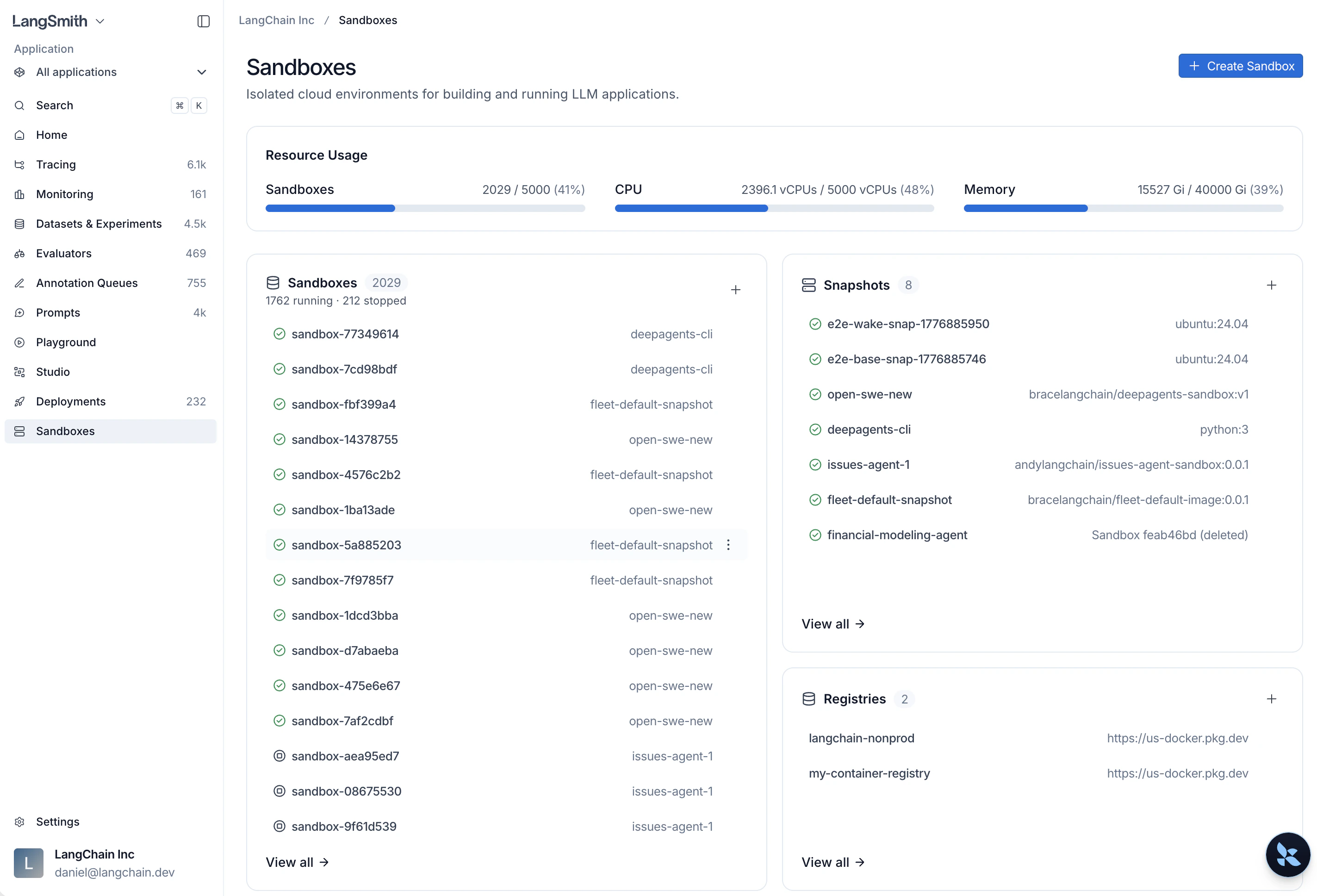
Environment availability
For self-hosted LangSmith deployments, see Enable Sandboxes on self-hosted deployments. For the infrastructure model, scaling, and upgrades, see Self-hosted Sandbox architecture.
Network access
Restricted egress applies to non-Enterprise organizations by default and to organizations that request it. Organizations with an approved exemption can use unrestricted egress. Restricted sandboxes use a managed allowlist for common package registries, source repositories, and model APIs. LangSmith blocks destinations outside the allowlist, even if you add them to a sandbox’s proxy configuration. If you need unrestricted egress, file a support ticket with your organization or workspace ID, region, required destinations and ports, and use case. For more information, see restricted egress and access requests.Get started
1. Install the SDK
2. Set your API key
3. Create and run a sandbox
4. Use sandboxes with your agents
To wire sandboxes into agent code, see the Open Source docs:- Deep Agents: Use
LangSmithSandboxas a backend, covering installation, backend creation, and cleanup. - Sandboxes as agent backends: Configure any sandbox as the execution backend to give your agent
executeand filesystem tools automatically. - LangChain / LangGraph integrations: Use LangSmith sandboxes as a first-party option, or connect third-party providers such as AgentCore, Daytona, E2B, Modal, Runloop, and Vercel.
Resources
Snapshots
Build filesystem images from Docker images or capture a running sandbox, then boot sandboxes from them.
Service URLs
Access HTTP services running inside sandboxes via authenticated URLs.
Auth proxy
Inject credentials into outbound API requests without hardcoding secrets.
Mounts
Attach S3 buckets, GCS buckets, and public Git repositories to a sandbox filesystem.
Permissions
Control which workspace members can interact with a sandbox after it is created.
CLI
Build snapshots, manage sandboxes, open consoles, and tunnel TCP ports from the command line.
SDK usage
Create and manage sandboxes programmatically with the Python or TypeScript SDK.
Self-hosted setup
Enable Sandboxes on self-hosted LangSmith deployments with Helm or Terraform.
Harbor
Run Harbor evaluations and rollouts on LangSmith sandboxes.
Connect these docs to your agent of choice via MCP for real-time answers.