

Deploy an OpenAI compliant model
Many providers offer OpenAI compliant models or proxy services. Some examples of this include: You can use these providers to deploy your model and get an API endpoint that is compliant with the OpenAI API. Take a look at the full specification for more information.Use the model in the Playground
Once you have deployed a model server, you can use it in the Playground. To access the Prompt Settings menu:- Under the Prompts heading select the gear icon next to the model name.
- In the Model Configuration tab, select the model to edit in the dropdown.
- For the Provider dropdown, select OpenAI Compatible Endpoint.
-
Add your OpenAI Compatible Endpoint to the Base URL input. See Base URL format for examples.
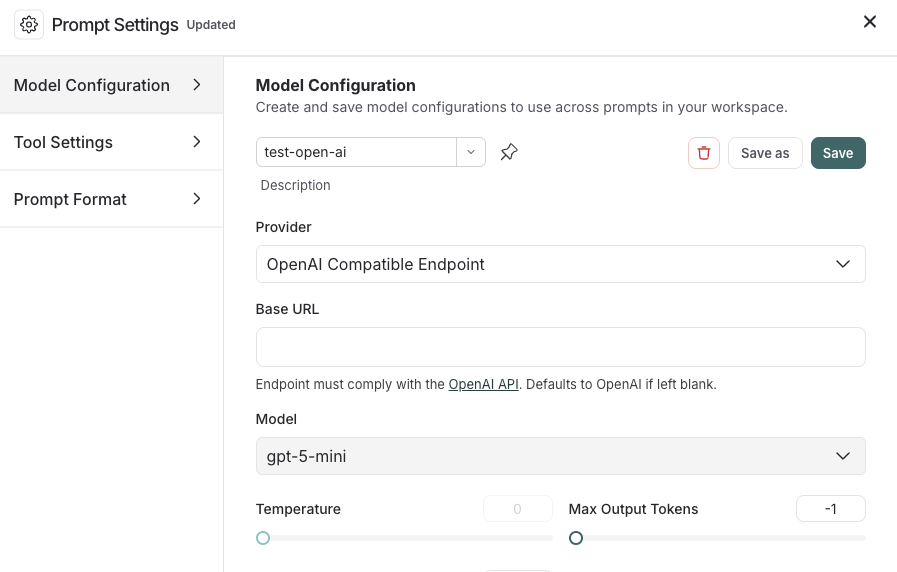
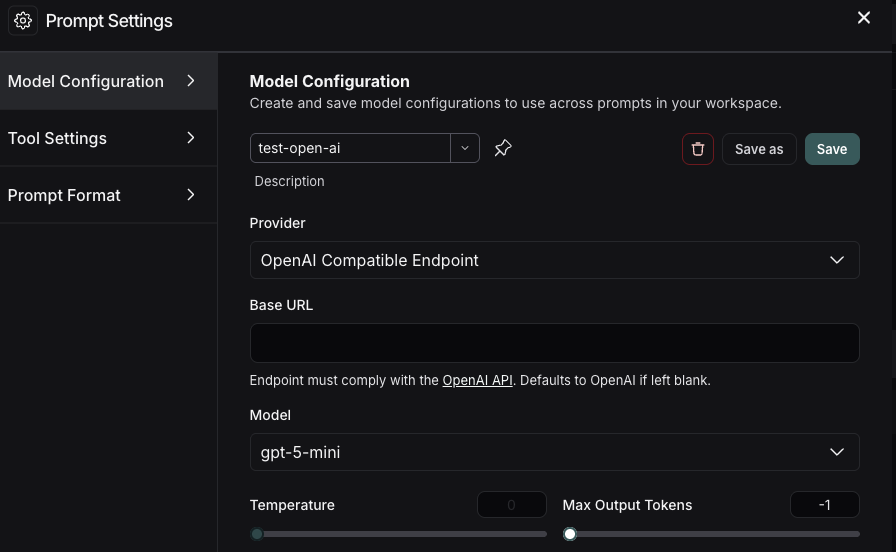
client_credentials on the model configuration instead of distributing a static API key as a workspace secret. See OAuth client credentials.
Base URL format
The Base URL should point to the root of your OpenAI-compatible API server. LangSmith appends/chat/completions automatically—do not include it in the Base URL.
Example Base URLs
Custom path prefixes are supported. If your server exposes completions at
/api/v2/chat/completions,
set the Base URL to https://my-server.example.com/api/v2.
Connect these docs to your agent of choice via MCP for real-time answers.