

openevals package to provide a suite of evaluation utilities and prompts that you can use as starting points for evaluation.
This how-to guide will demonstrate how to set up and run one type of evaluator (LLM-as-a-judge). For a complete list of evaluation utilities and prompts with usage examples, refer to the openevals and agentevals repos.
Setup
You’ll need to install theopenevals package to use the LLM-as-a-judge evaluator.
openevals also integrates seamlessly with the evaluate method. See the appropriate guides for setup instructions.
Running an evaluator
The general flow is simple: import the evaluator or factory function fromopenevals, then run it within your test file with inputs, outputs, and reference outputs. LangSmith will automatically log the evaluator’s results as feedback.
Note that not all evaluators will require each parameter (the exact match evaluator only requires outputs and reference outputs, for example). Additionally, if your LLM-as-a-judge prompt requires additional variables, passing them in as kwargs will format them into the prompt.
Set up your test file like this:
feedback_key/feedbackKey parameter will be used as the name of the feedback in your experiment.
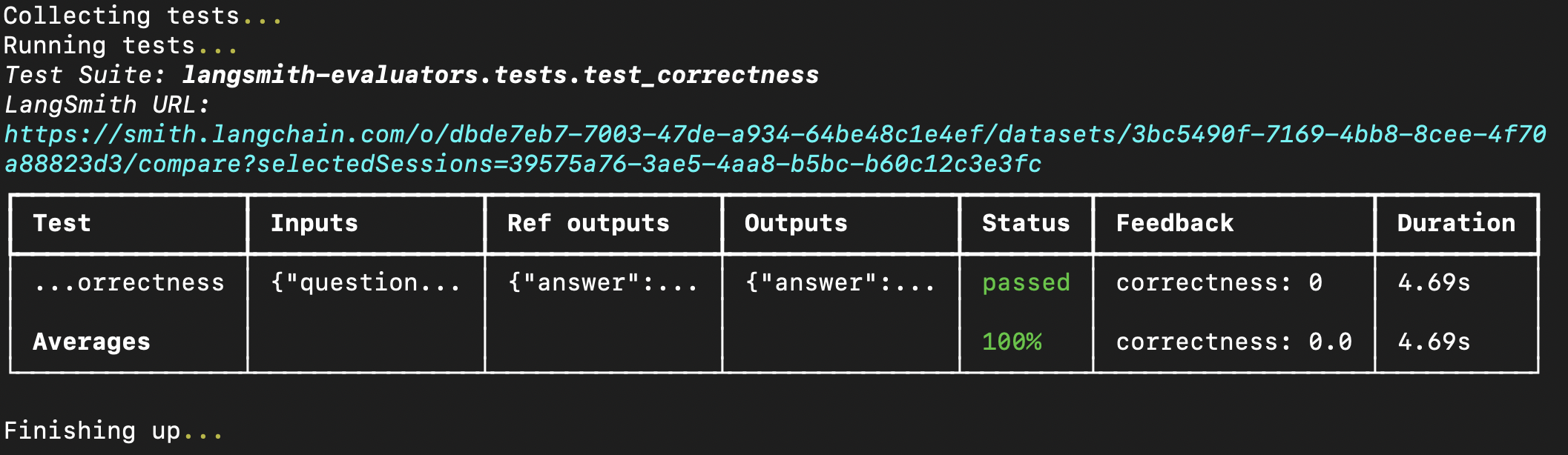
Running the eval in your terminal will result in something like the following:
evaluate method if you have already created a dataset in LangSmith. If using Python, this requires langsmith>=0.3.11:
Connect these docs to your agent of choice via MCP for real-time answers.